How to schedule YouTube Shorts: a step-by-step guide
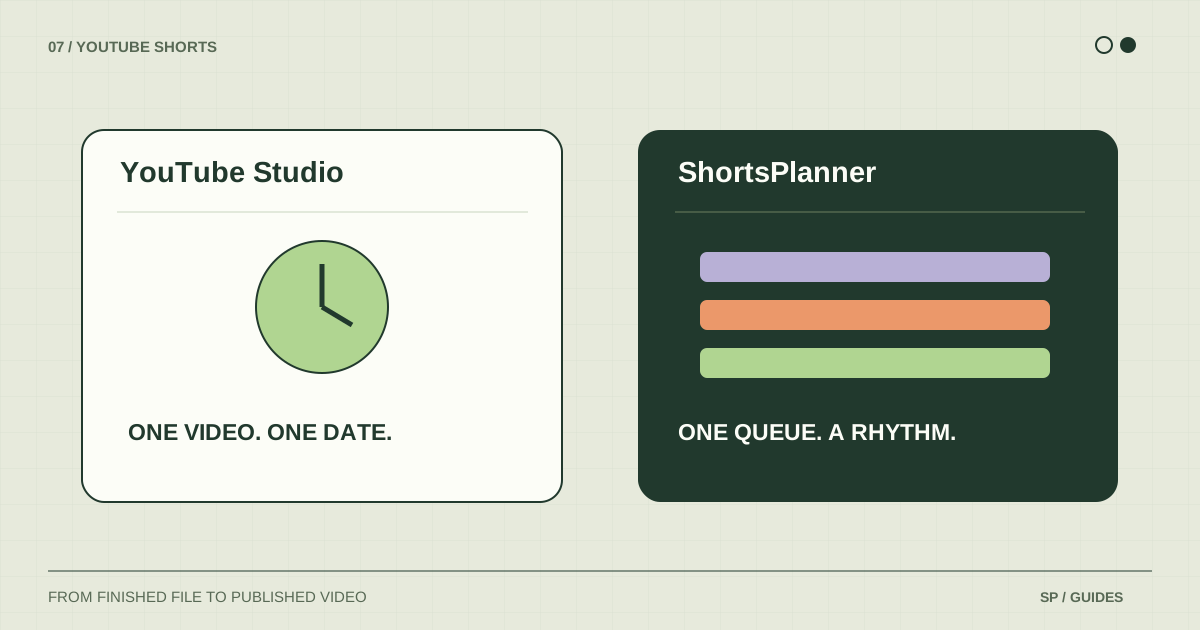
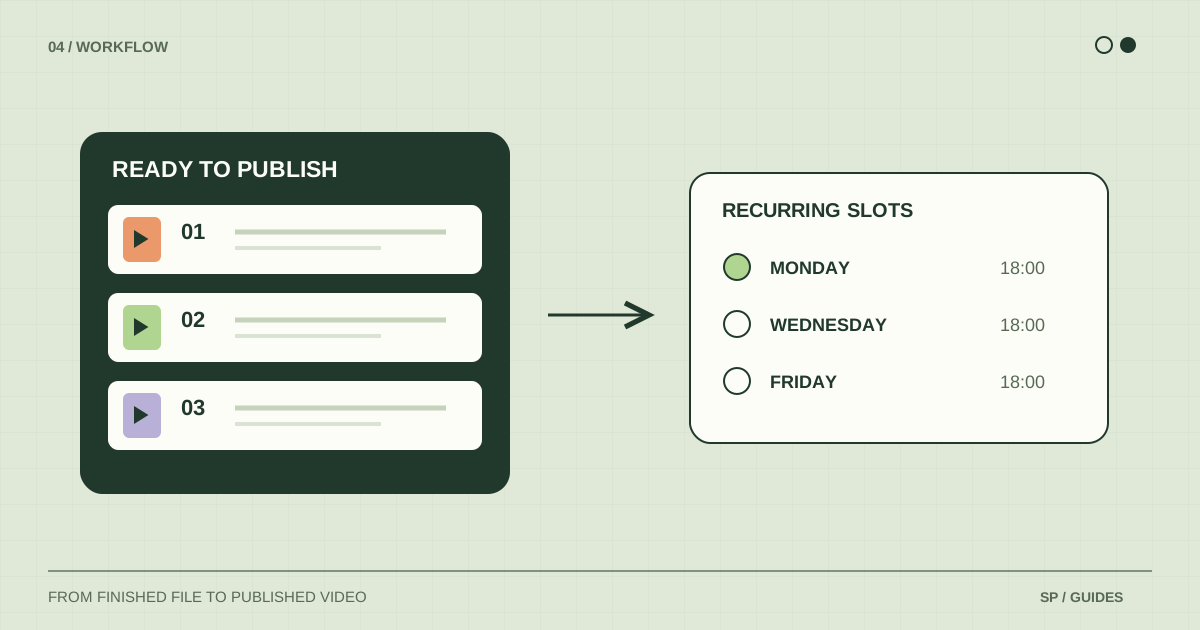
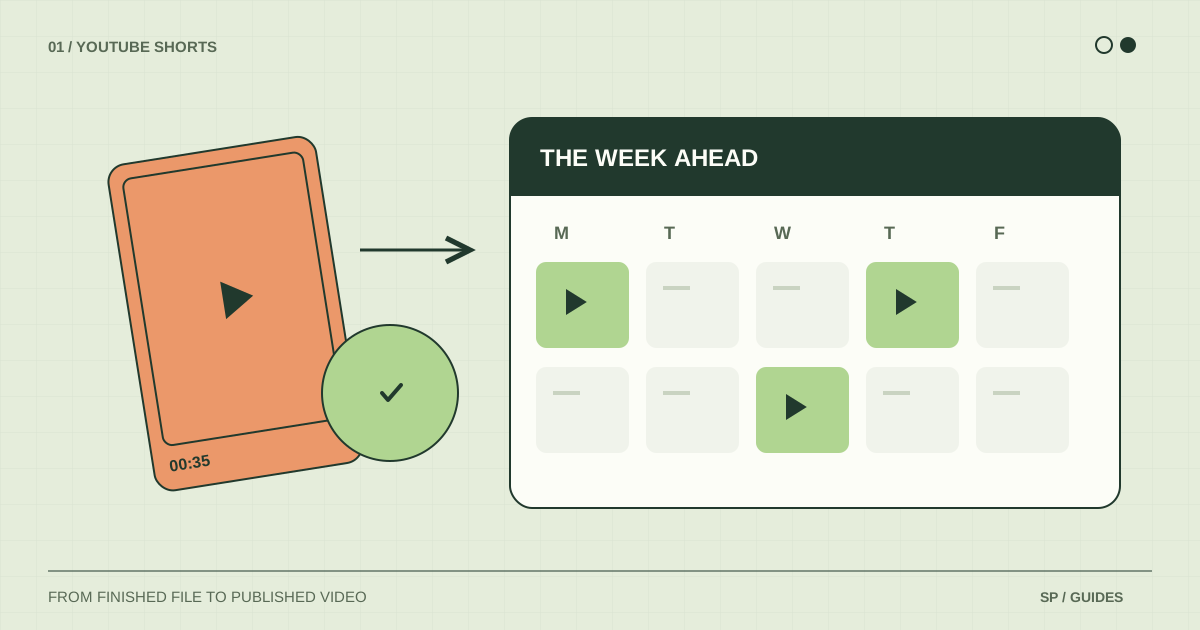
Schedule a YouTube Short in Studio, check its visibility, and set up recurring publishing slots in ShortsPlanner. Two methods, clearly explained.
4 min readRead the guide
Practical tutorials, templates worth keeping, and clear answers for publishing on YouTube Shorts and TikTok.
Schedule a YouTube Short in Studio, check its visibility, and set up recurring publishing slots in ShortsPlanner. Two methods, clearly explained.
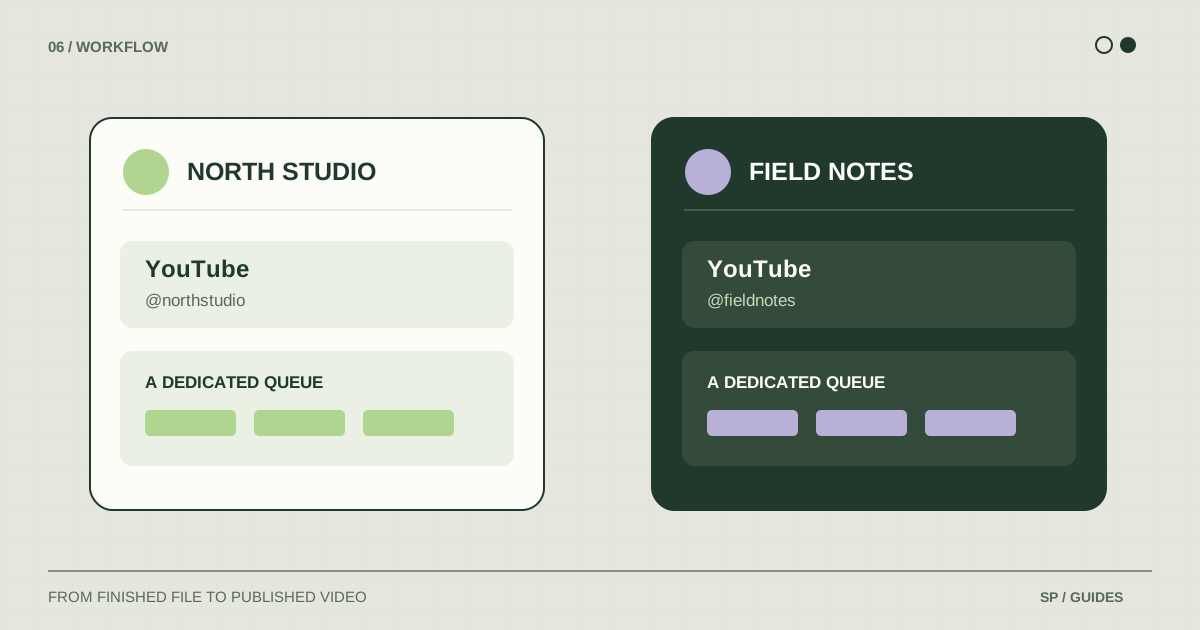
Organize multiple YouTube channels with an account map, separate publishing queues, clear file names, and a first-post verification routine.
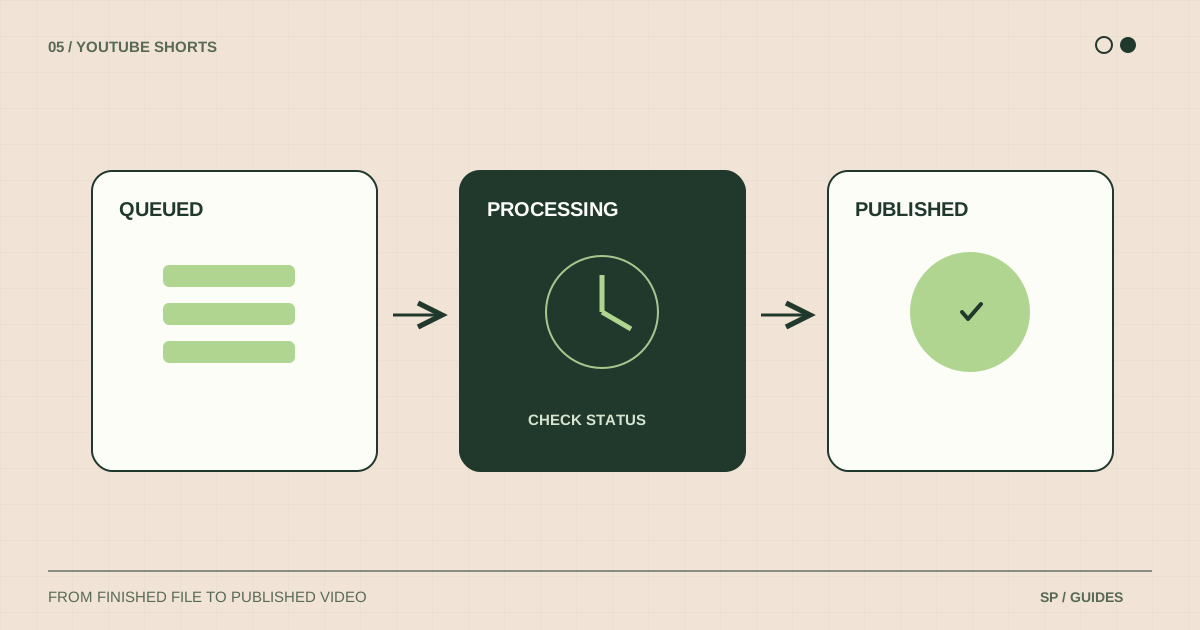
Find out why a scheduled Short is missing: check the channel, visibility, upload processing, queue destination, and errors before sending it again.
Choose a YouTube Shorts scheduler for your workflow. Compare native scheduling with recurring queues, multiple accounts, and cross-platform publishing.
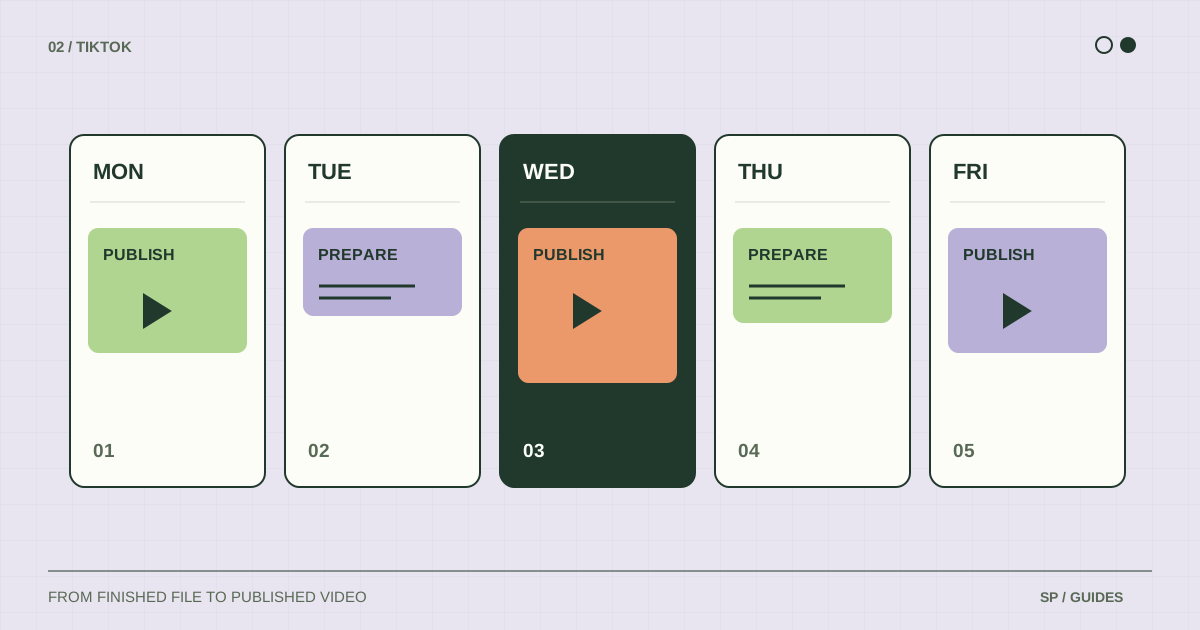
Build a TikTok content calendar with a reusable weekly example, clear post statuses, and a realistic path from finished video to publication.
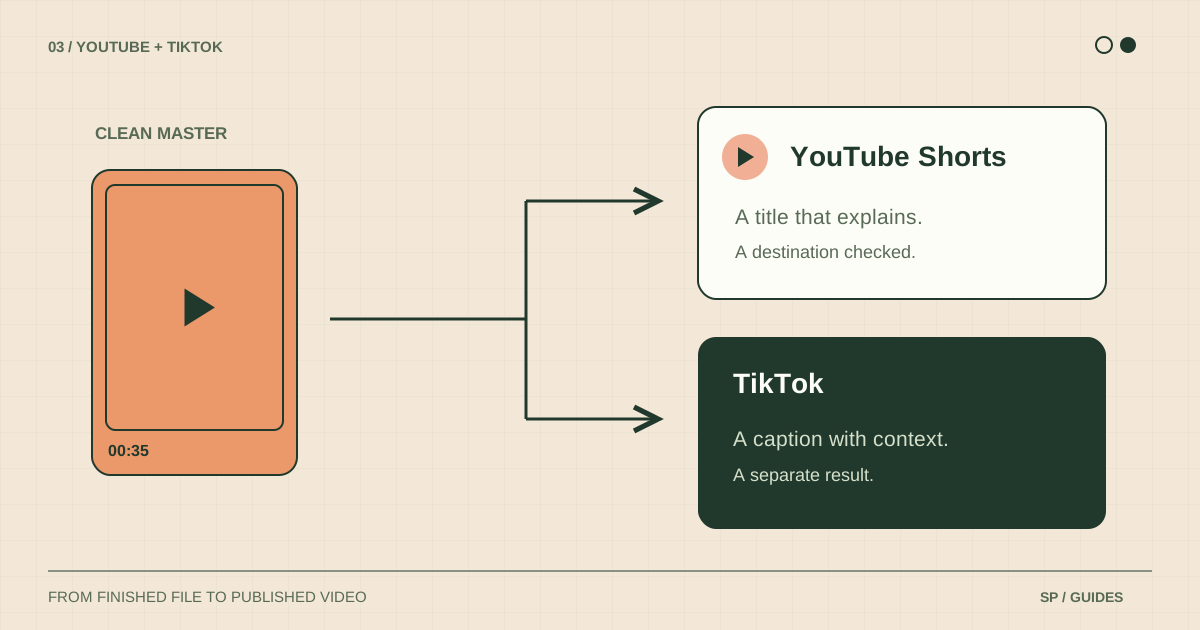
Adapt one finished video for YouTube Shorts and TikTok: keep a clean source, tailor the text, review the audio, and verify both publications.
Organize a week of short-form publishing with a file handoff, a preparation session, a queue review, and a clear check of what actually went live.