A weekly workflow for batching and publishing Shorts
Organize a week of short-form publishing with a file handoff, a preparation session, a queue review, and a clear check of what actually went live.

On this page
What you’ll take away
- Separate the creative session from the publishing handoff.
- Use a concrete weekly routine with a definition of “ready”.
- Review publishing failures and missing files before adding more slots.
Batching short-form content is useful when it reduces repeated setup: opening the same folders, finding the right account, and rewriting details you already decided. The publishing workflow should start when a video is finished and end when its result has been checked.
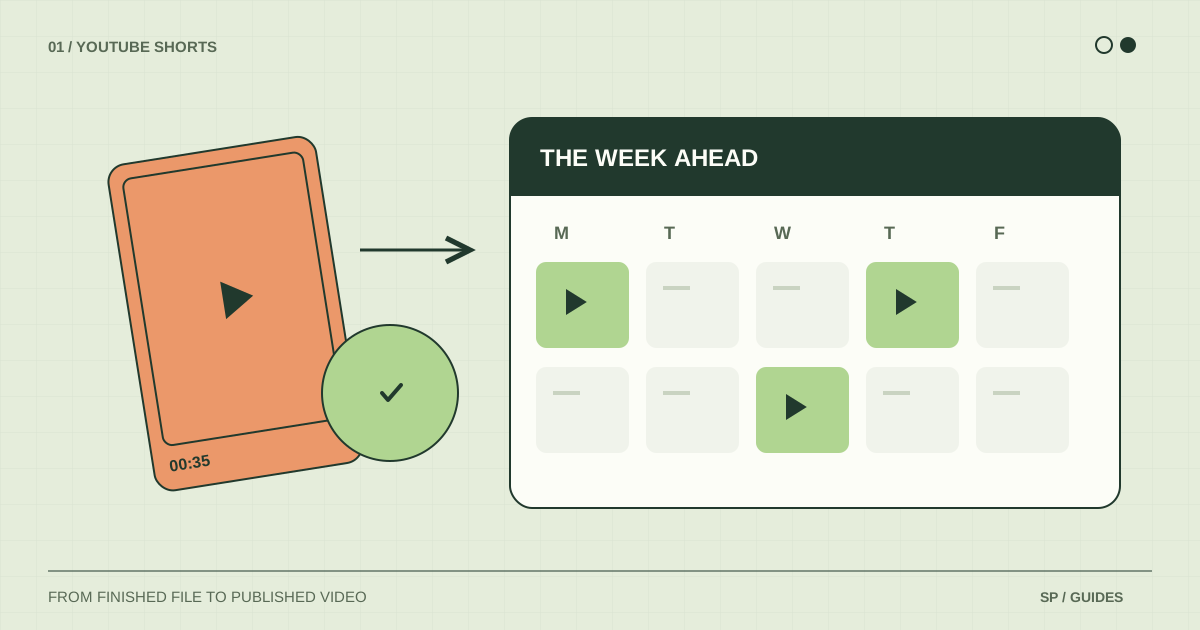
Here is a routine for a creator with three completed Shorts and a few publishing slots. The session lengths are planning examples, not measured productivity claims. Adjust them after running the process once.
Define what “ready to publish” means
Create one final-export folder. A video belongs there when somebody can publish it without reopening the editing project or asking which version is final.
For each video, prepare:
- A named final export, such as
brand-a-lamp-angle-v03.mp4. - The intended account or group, written explicitly.
- A title and description, including any platform-specific versions.
- The audience and visibility decisions needed for publication.
- A timing note: evergreen, tied to a date, or dependent on another post.
A note that says “use the newest file” is not a handoff. The point is to make the correct choice visible before you enter the publishing form.
Use a small weekly routine
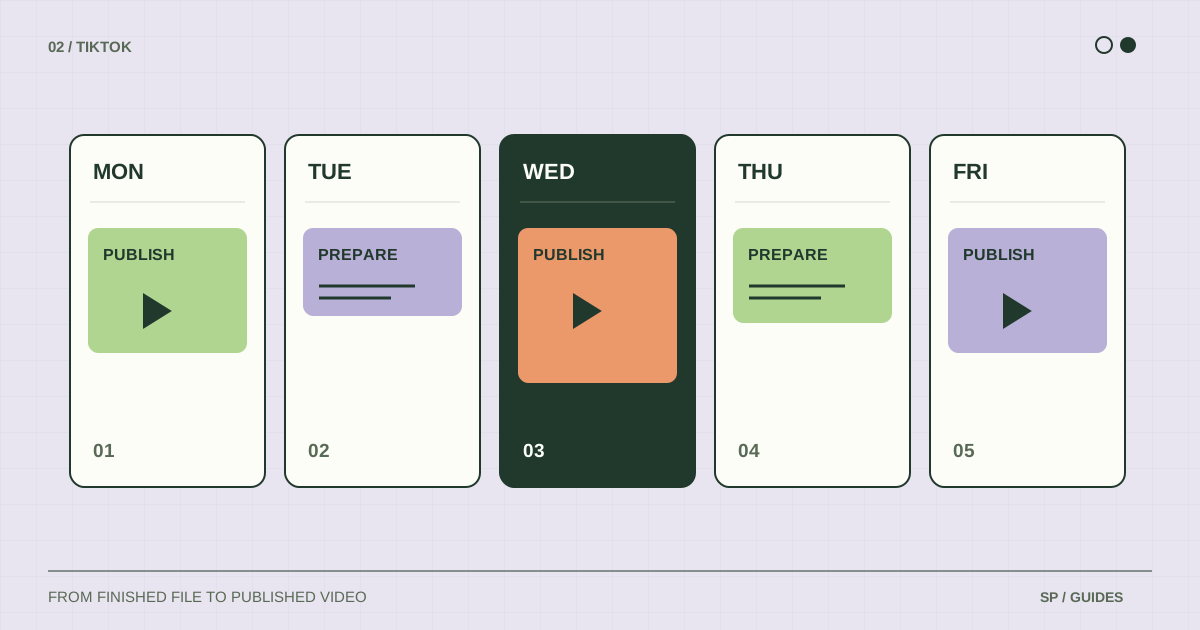
| Session | Example time budget | Input | Finished result |
|---|---|---|---|
| Prepare | 20 minutes | Completed edits | Reviewed files and publishing details |
| Queue | 20 minutes | Ready folder | Posts assigned to the intended destinations |
| Review | 10 minutes | Queue and schedules | Missing slots or conflicting plans resolved |
| Confirm | After publication | Platform results | Published links or a specific issue to resolve |
Keep these as separate tasks even if you do them in one sitting. If your preparation session ends with unfinished edits, reduce the queue you intend to fill. Do not mark the week as covered based on the number of ideas in your notes.
YouTube’s upload-schedule guidance also recommends considering production time and a sustainable release frequency. Choose a workload you can repeat before expanding it.
Prepare the queue by destination
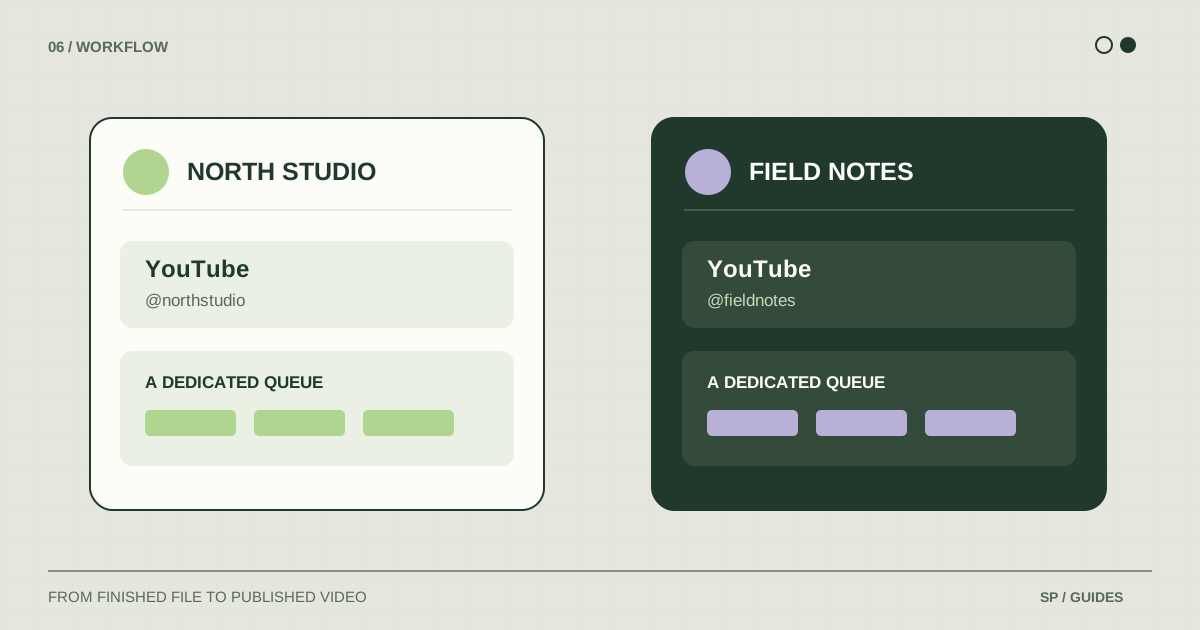
Work on one account or brand at a time. Compare the selected destination with the handoff notes before adding each post. Similar avatars and short account names are easy to confuse when you move quickly.
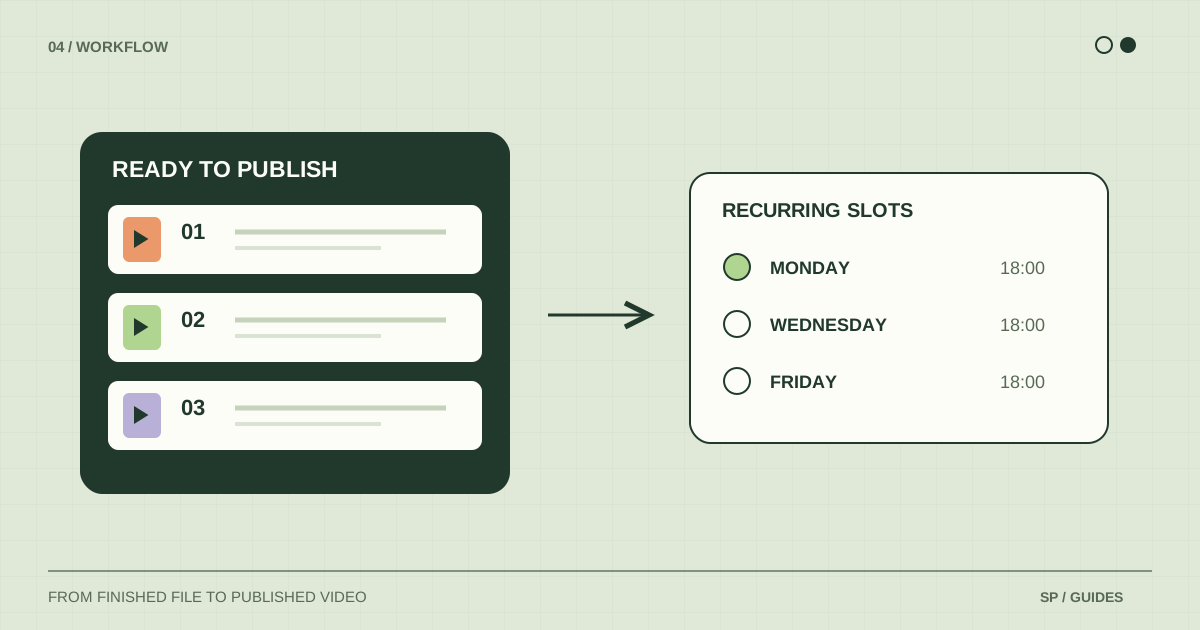
In ShortsPlanner, accounts and groups can have recurring publishing slots. A queue entry should match the destination on its schedule. If the queue reports that there is no schedule, create or correct that destination’s slot before assuming the video will run.
For three videos intended for one account, review all three titles together. This helps you catch accidental repetition and statements such as “in tomorrow’s video” that depend on a particular order. Do not rely on a generic recurring queue for a strict launch sequence without checking the actual plan.
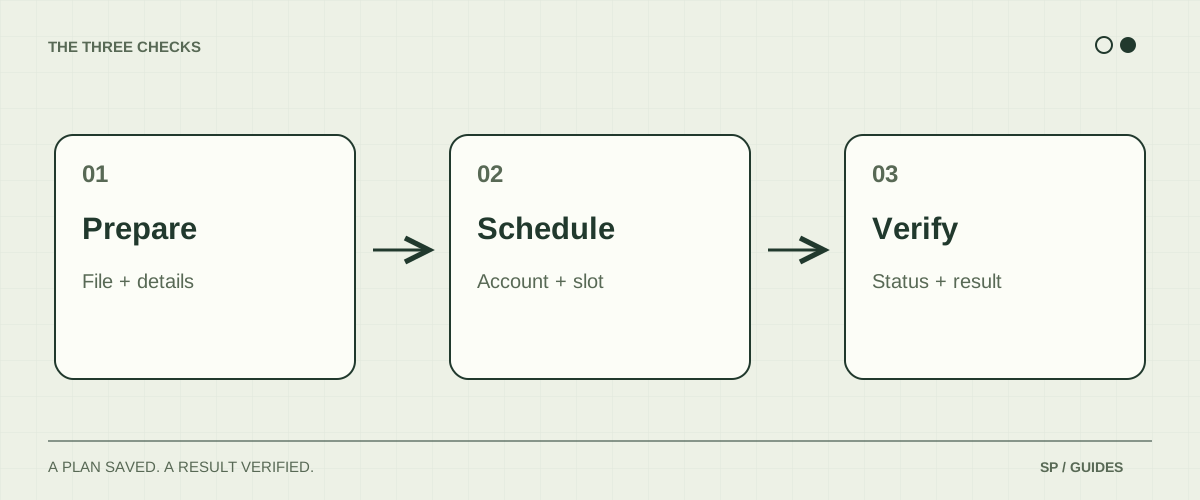
Review the schedule before you leave
Ask four concrete questions:
- Does every queued destination have an active recurring slot?
- Does any video also have a native schedule on the platform?
- Does a time-sensitive post still make sense on its planned day?
- Is an account connection or a publishing restriction asking for attention?
If you discover a duplicate plan, choose which system will publish and disable the other plan through the appropriate tool. If a connection needs attention, resolve it before treating that account’s week as covered.
Leave room for a useful response to a comment or an unexpected announcement. You can keep that capacity outside the evergreen queue and decide when to use it.
Close the loop after publication
A successful preparation session is not the same as a successful public post. Check the destination after a slot has run and keep its resulting link.
When something fails, record the stage, account, approximate time, and visible error. First check whether a post already exists on the platform. This avoids creating another copy while investigating an incomplete confirmation.
Measure your own workflow with two simple counts: videos that were ready at the start of the week, and videos that became public by its end. Investigate the gap. If most videos never entered the queue, improve the handoff. If they entered but did not publish, inspect scheduling and platform results.
Adapt the routine as you grow
For two brands, duplicate the handoff structure, not the uncertainty. Use separate account names and file prefixes. The multiple-channel guide shows an example account map.
For a single platform, a native scheduler may be enough. Follow the YouTube Shorts scheduling tutorial for individual uploads. For a shared view of production and publication, adapt the weekly calendar template.
What if I miss the preparation session?
Reduce the next week’s commitments to the work that is actually ready. A smaller accurate queue is easier to recover than a calendar full of unverified intentions.
Should I prepare several weeks at once?
You can prepare evergreen content ahead while reviewing its text and account settings near publication. Keep dated claims, offers, and event announcements in a separate review path so an old export does not become an inaccurate post.
Sources & further reading
Platform rules change. These official resources complement the examples and workflows in this guide.
We build ShortsPlanner to organize and publish videos you have already created. Example schedules are illustrative and can be adapted to your work.
First published