How to post one video to YouTube Shorts and TikTok
Adapt one finished video for YouTube Shorts and TikTok: keep a clean source, tailor the text, review the audio, and verify both publications.

On this page
What you’ll take away
- Keep one clean master while preparing separate publishing details.
- Review the hook, audio, caption, and account for each destination.
- Track two platform results even when you start with one file.
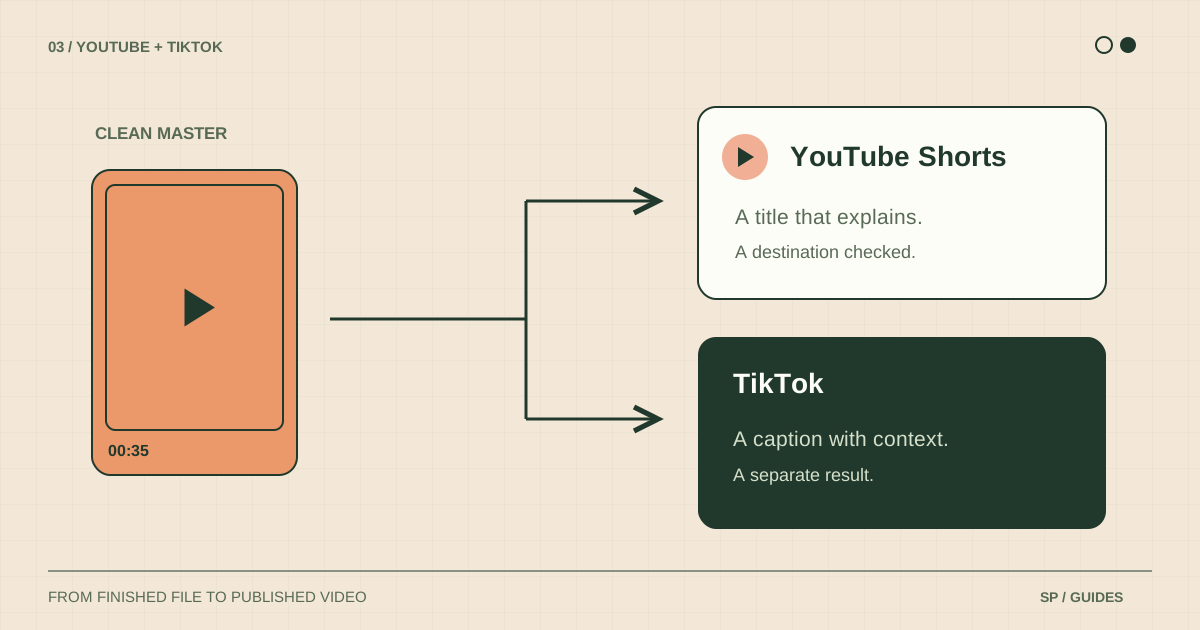
One well-made video can serve both YouTube Shorts and TikTok when the subject makes sense for both audiences. The efficient approach is to reuse the creative work while checking the publishing details separately.
Consider a 35-second demonstration of a desk lamp. You can keep the demonstration itself and change the title, first line of the caption, and call to action for each audience. You do not need two entirely new edits to make those choices deliberately.
Keep a clean master export
Export from your editing project before adding platform-specific interface elements. Keep an editable source and a final file with a recognizable name, such as lamp-demo-v04-master.mp4.
Avoid using a downloaded social post as your only master. It can carry a watermark, baked-in text, or audio decisions that are inconvenient on the other platform. A clean export also gives you a straightforward way to correct a subtitle later.
Keep essential text away from the edges and preview the file on a phone. Captions that look comfortable in your editor may overlap with a platform’s interface. A 9:16 export is a useful working format for a full-screen vertical example; check the current upload requirements for each destination.
Adapt the context for each audience
Use the same demonstration, but make its promise clear in the surrounding text. Here is a fictional example you can adapt:
| Element | YouTube Shorts example | TikTok example |
|---|---|---|
| Video | 35-second lamp demonstration | Same clean master |
| Opening text | Remove screen glare with one lamp adjustment | This lamp position was ruining my desk lighting |
| Supporting text | Explain where the lamp sits relative to the monitor | Invite viewers to describe their setup |
| Call to action | Watch the full desk-lighting tutorial, if available | Ask a specific lighting question in comments |
| Record after publishing | YouTube video link | TikTok post link |
These lines illustrate different contexts, not a formula for reach. Use wording that matches what actually happens in your video. Do not promise a longer tutorial unless that tutorial exists.
For YouTube, consider whether the title makes sense when someone encounters it outside your profile. For TikTok, consider whether the caption adds context instead of simply repeating the on-screen sentence.
Review audio and platform-specific features
Do not assume that access to a sound inside one platform covers every other use of the exported video. For content promoting a brand, TikTok recommends its Commercial Music Library or music for which the necessary permissions have been obtained. Consult the official music guidance for your intended use.
An original voiceover, a music-free export, or an audio track cleared for your destinations can make the production workflow easier to maintain. Keep the music decision alongside the file, rather than leaving the next person to guess where the sound came from.
Also check whether your video depends on an interactive feature. A spoken instruction such as “tap this sticker” may stop making sense after export. Replace that instruction or prepare a separate version.
Prepare both destinations in ShortsPlanner
Choose the connected accounts deliberately. If you use a group, inspect its membership before selecting it. A group represents publication destinations, not an editing folder.
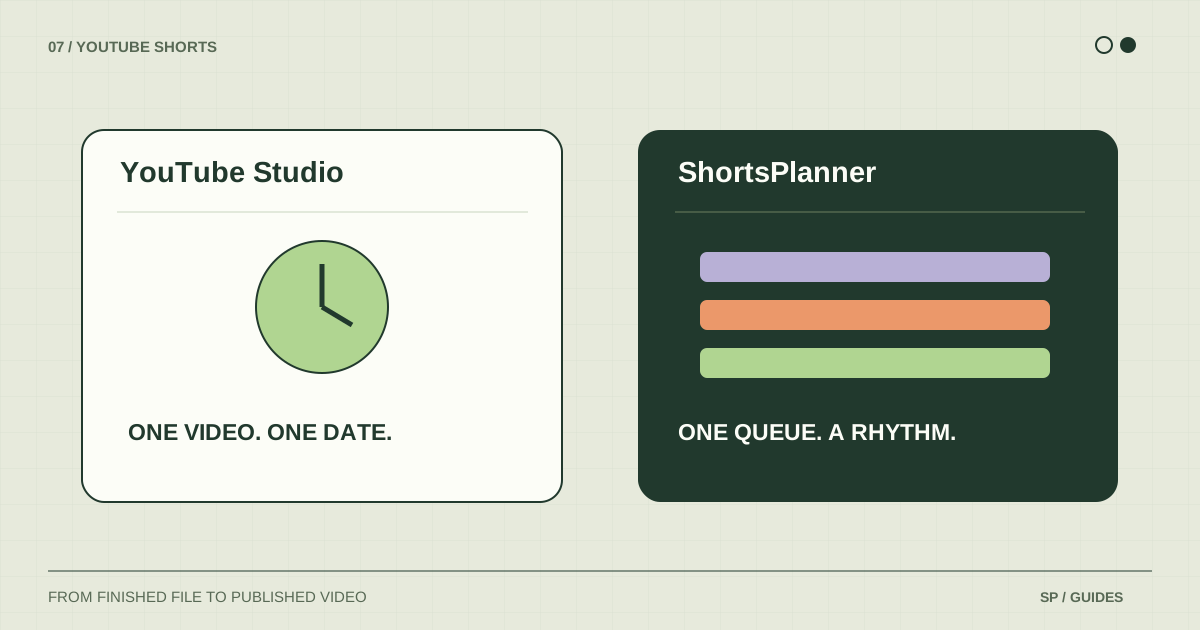
ShortsPlanner’s post form supports platform-specific title and description overrides. Use these when the surrounding text needs to differ, then review the options shown for each selected platform. Verify YouTube visibility and the TikTok settings available to the connected account.
Add the post to the intended queue and check the destination’s recurring schedule. Start with one known video so you can inspect the outcome before preparing a larger series.
A shared file does not make publication atomic. One platform can succeed while another is delayed or refuses the post.
Verify each result separately
Record a public link for each destination. If one is missing, inspect that platform’s status before sending the entire post again. Repeating a successful destination can create a duplicate without fixing the failed one.
For the lamp example, your publishing record should contain the source filename, both captions, intended accounts, planned slots, and the two resulting links. This small record makes it easier to update the post or understand a later error.
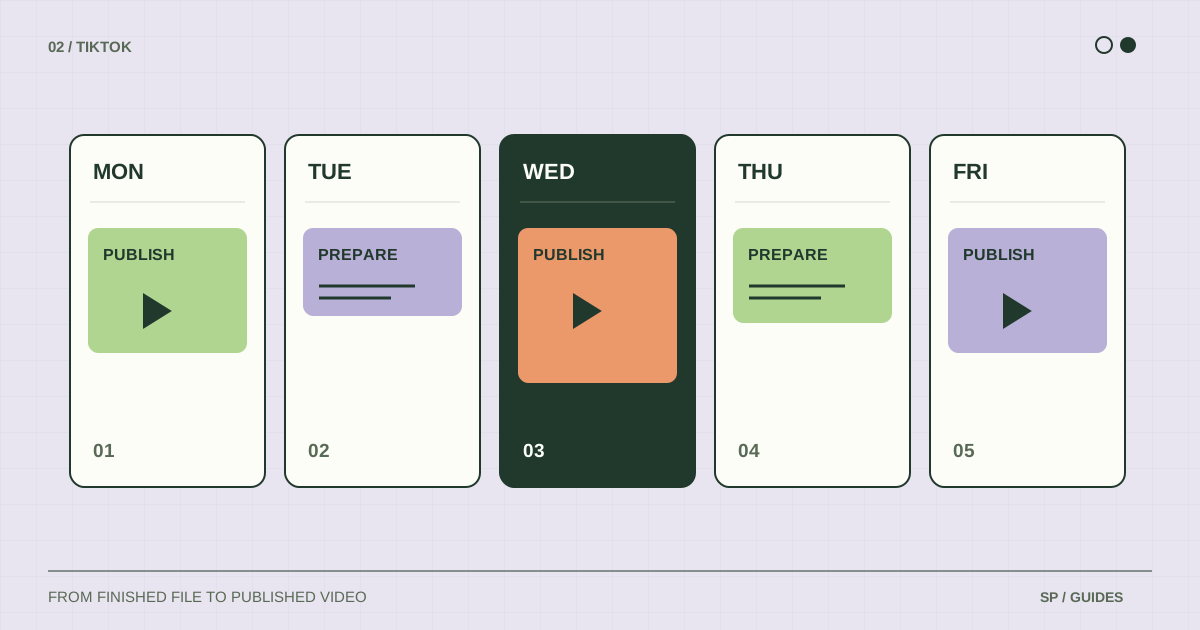
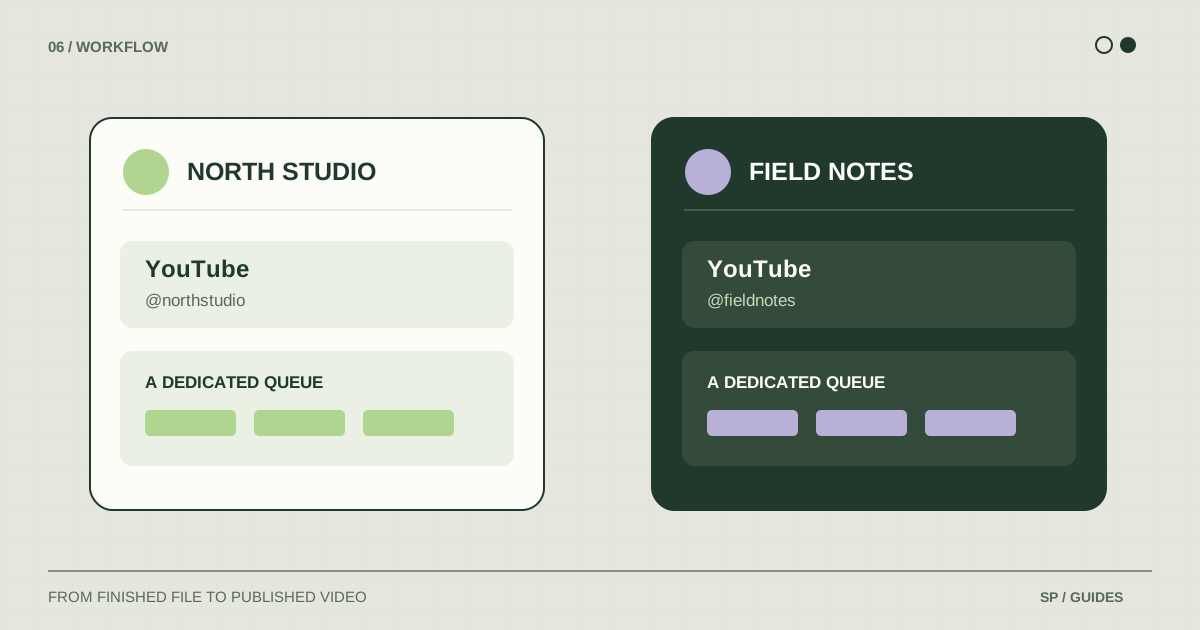
If your workload spans several brands, use the multiple-channel workflow. If you need a view of the upcoming week, adapt the TikTok calendar.
Frequently asked questions
Can I use exactly the same file?
Often, yes, when it fits both platforms and does not rely on platform-specific audio or interactive elements. Reusing a file is a production choice; each destination still needs its own review.
Should both posts go live at the same time?
Only if that is useful for your audience or campaign. You can organize distinct schedules. Processing and platform acceptance also mean two destinations should not be expected to become visible at the same second.
Is cross-posting a guarantee of more views?
No. It gives suitable content another distribution opportunity. Judge the response on each platform and keep adapting the subjects and presentation to the people watching.
Sources & further reading
Platform rules change. These official resources complement the examples and workflows in this guide.
We build ShortsPlanner to organize and publish videos you have already created. Example schedules are illustrative and can be adapted to your work.
First published