Scheduled YouTube Short not publishing? What to check
Find out why a scheduled Short is missing: check the channel, visibility, upload processing, queue destination, and errors before sending it again.
On this page
What you’ll take away
- Distinguish a missing upload from a private video or a delayed publication.
- Use the visible status to choose the next check.
- Avoid a duplicate while investigating an uncertain result.
Start by locating the video, not by uploading it again. A Short that is still in a queue, a file being processed by YouTube, and a public video with few views are different situations.
Keep the source file and the intended channel name beside you. Then work through the checks below until you know which system has the video and what it reports.
Identify where the publication stopped
| What you see | First place to check | Next action |
|---|---|---|
| Nothing in YouTube Studio | Publishing tool or source upload | Look for a queued item, an upload failure, or the wrong destination |
| Video exists but is private | Studio visibility settings | Compare the saved setting with your intended publication |
| Processing is still shown | Studio upload status | Let processing complete and read any reported issue |
| Short is public but has few views | The public video itself | Treat reach as a separate question from publication |
| Tool says the result is unconfirmed | Destination platform | Search for an existing post before trying another upload |
Write down the first confirmed state. “The video is private on channel A” is actionable. “YouTube is broken” does not tell you which part of the process to inspect.
Check the channel before the schedule
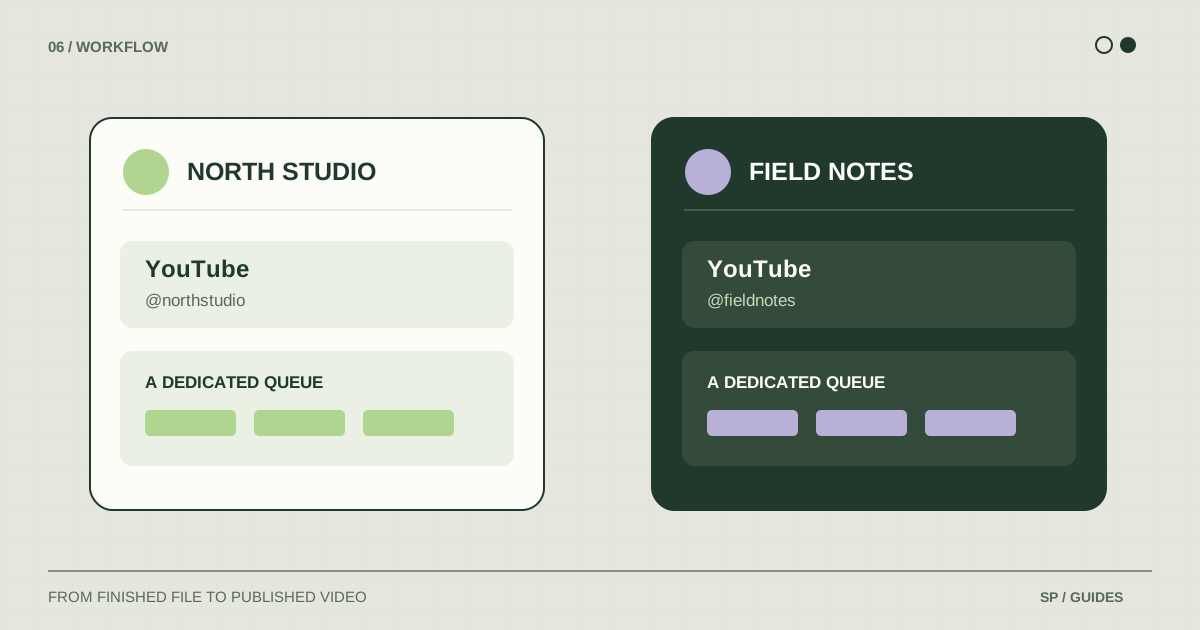
Open YouTube Studio and verify the active channel identity. Then look for the video by its title or upload date. If you manage several channels, repeat the search only on the destinations that could have received this file.
If the video is on another channel, record what happened and correct your destination mapping. Do not solve a wrong-channel problem by repeatedly rescheduling the same queue entry.
For shared work, ask the person who prepared the upload for its saved link or screenshot of the status. A filename, channel, and time zone will usually make the investigation much more precise than “the Friday Short”.
Check visibility, date, and processing
Compare the recorded schedule with the release you intended. Use a complete reference such as “Thursday, 18:00, Europe/Paris”, then inspect what the platform actually saved. Account for the date as well as the clock time.
YouTube explains that higher-resolution versions can take longer to process. Check the displayed processing status rather than interpreting an unfinished upload as a scheduling error.
If the video is already public and playable on the right channel, the publication worked. Distribution and views require a separate review of the content and audience response; another upload is not a diagnosis.
If you used ShortsPlanner, inspect the destination
Open the queue entry and identify whether it targets an individual account or a group. Then open the publishing schedules and check for a slot attached to that exact destination.
For example, a recurring slot for “Brand A group” does not automatically describe the plan for a post queued directly to “Brand A YouTube”. Keep the queue and schedule matched.
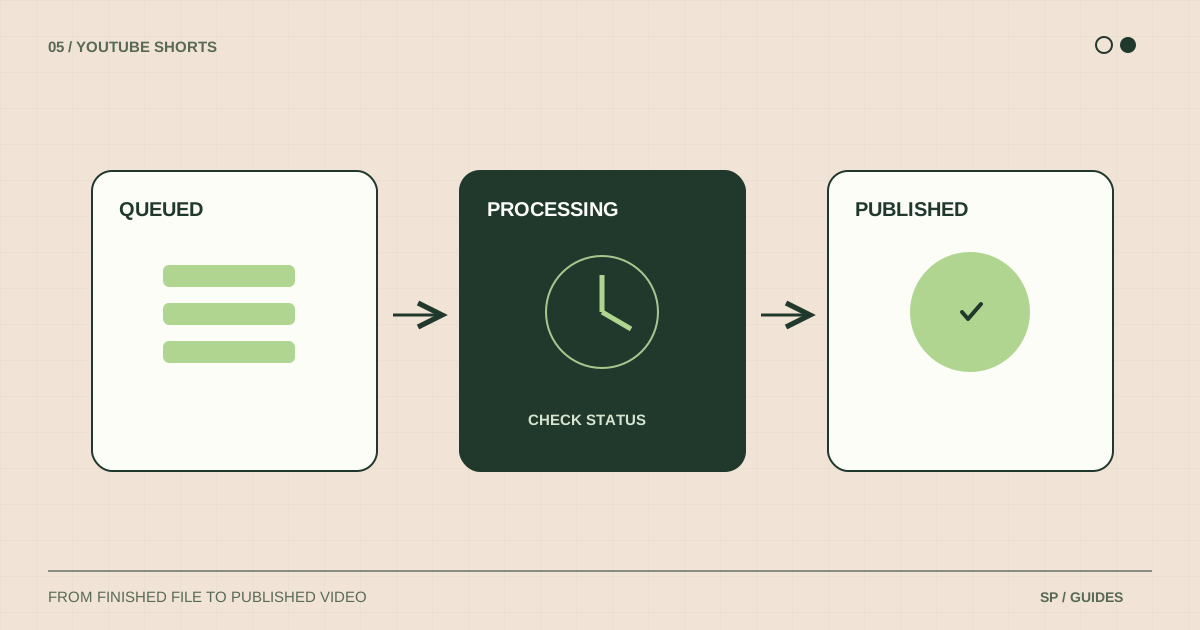
Next inspect the visible state:
- Queued: check that a matching slot exists and that its next intended occurrence has arrived.
- Processing: inspect the destination before taking another publishing action.
- Failed: read the displayed error and keep the source file while you investigate.
- Blocked or paused: follow the specific account or publication message before changing the plan.
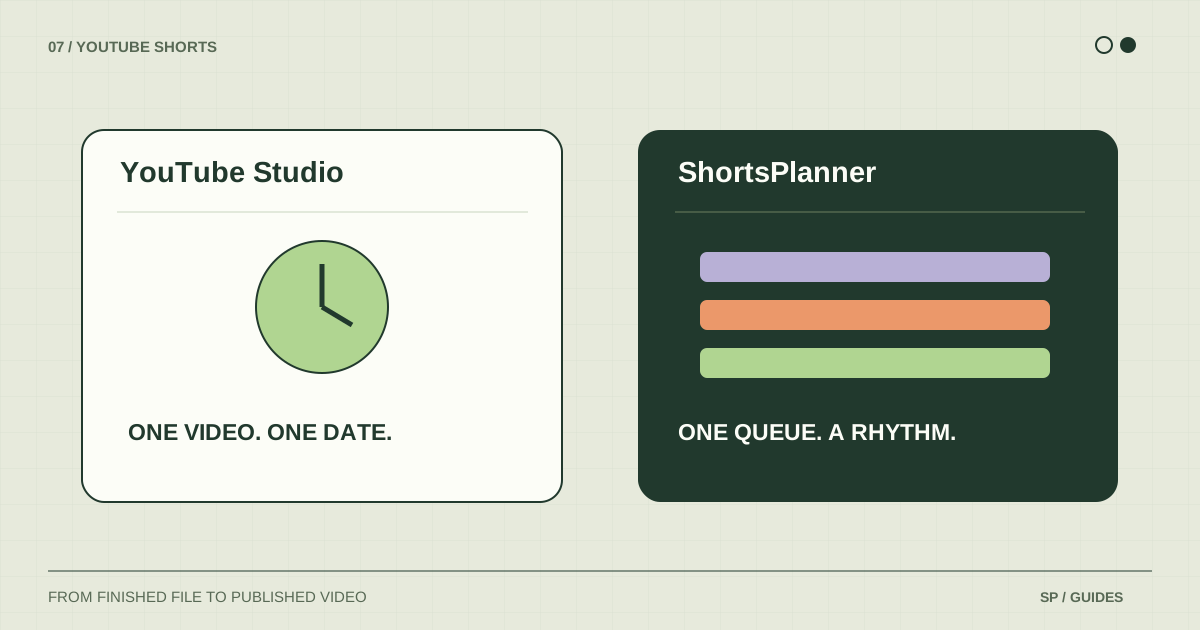
ShortsPlanner’s recurring slot starts a publishing attempt. The platform still has to receive, process, and accept that content. This differs from a video uploaded in advance and scheduled natively inside YouTube.
Read platform restrictions literally
Check Studio for a restriction or copyright message on the actual video. In particular, YouTube says a Short longer than one minute with an active copyright claim is blocked globally. That is a content issue to investigate, not a reason to keep changing the scheduled time.
Use the official resources below to understand a platform message. Keep your troubleshooting tied to the named issue instead of assuming that every missing video has the same cause.
Before trying again, check the destination. An incomplete confirmation can coexist with an uploaded video.
Keep a useful incident note
Record the source filename, intended account, tool used, planned date and time zone, last visible status, and exact error message. Add the existing platform URL if you find one.
If you contact support, send those details with any screenshot that helps explain the failure. Exclude passwords, access tokens, or private account credentials. A clear incident note makes it possible to investigate one publication without guessing about the rest of your queue.
Once resolved, confirm there is only one active plan for the video. Use the scheduling tutorial to rebuild it, or the multiple-channel guide if account selection caused the problem.
Frequently asked questions
Does “uploaded” mean “public”?
No. A file can exist on YouTube without being publicly available. Inspect its visibility and processing state separately.
Should I delete the queue entry immediately?
Keep the information you need to investigate first. Removing the record before checking the platform can make it harder to determine whether anything was published.
Should I change tools after one failure?
Identify the cause first. A missing slot, an account connection, and a platform restriction need different solutions. The scheduler comparison can help you choose a workflow after the incident is understood.
Sources & further reading
Platform rules change. These official resources complement the examples and workflows in this guide.
We build ShortsPlanner to organize and publish videos you have already created. Example schedules are illustrative and can be adapted to your work.
First published