YouTube Shorts scheduler: Studio or a publishing queue?
Choose a YouTube Shorts scheduler for your workflow. Compare native scheduling with recurring queues, multiple accounts, and cross-platform publishing.

On this page
What you’ll take away
- Decide whether your problem is a release date or a recurring publishing workload.
- Compare native scheduling with a queue using a concrete checklist.
- Try one complete publication before committing your workflow to a tool.
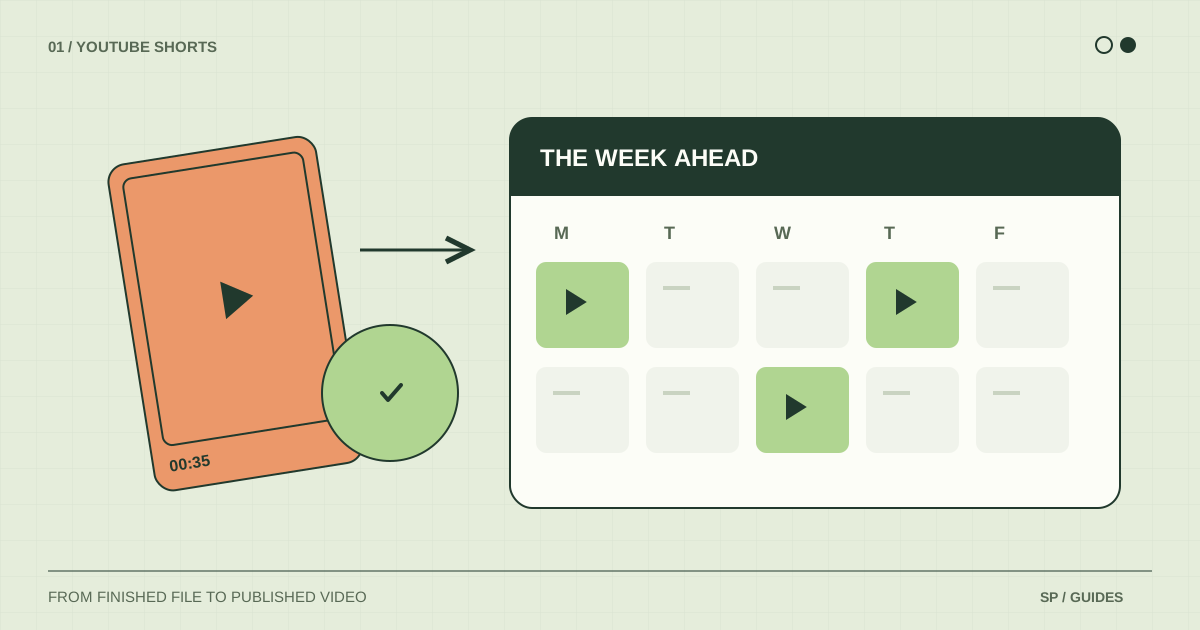
The right YouTube Shorts scheduler depends on what you need to organize. For one channel and a handful of specific release dates, YouTube Studio may cover the job. A separate publishing tool is worth evaluating when you repeatedly prepare posts for several destinations or want a queue feeding recurring slots.
We build ShortsPlanner, so this guide explains where our workflow fits as well as where a native tool is a sensible starting point. It is a decision checklist, not a ranking of products we have not tested.
Name the task before choosing the tool
Describe the next month of work in concrete terms. How many accounts will you use? Are your videos already edited? Do they need individual release dates or a recurring cadence? Must the same source file go to TikTok as well?
“Schedule videos” can mean very different things. A product announcement with a launch date needs a precise saved plan and time for platform processing. An evergreen series needs a way to keep finished videos organized around repeated publication opportunities.
Write down the task you repeat most often. That task should drive your trial of a tool, rather than a long feature list that has little connection to your work.
Compare native scheduling and a recurring queue
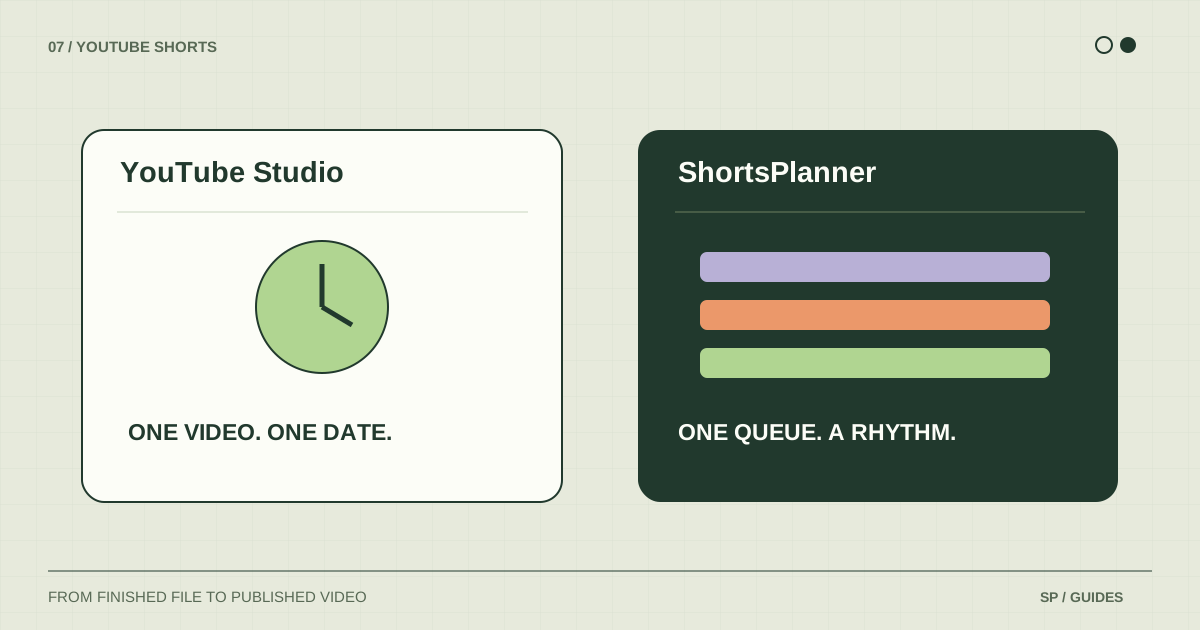
| Question | YouTube Studio | ShortsPlanner |
|---|---|---|
| Where is the plan stored? | On the uploaded YouTube video | In a queue linked to account or group schedules |
| What does a time represent? | A saved native release date | A recurring slot that starts a publishing attempt |
| What if I also use TikTok? | Prepare TikTok separately in its own workflow | Organize connected YouTube and TikTok destinations |
| How do I work across accounts? | Switch to the intended YouTube channel | Review connected accounts and filter queues by destination |
| What still needs checking? | Visibility, processing, and saved release details | Destination, matching slot, and each platform result |
A queue does not remove platform processing or restrictions. Likewise, using a native scheduler does not remove the need to prepare a correct file and caption. Compare the work each option handles, and keep the remaining checks visible.
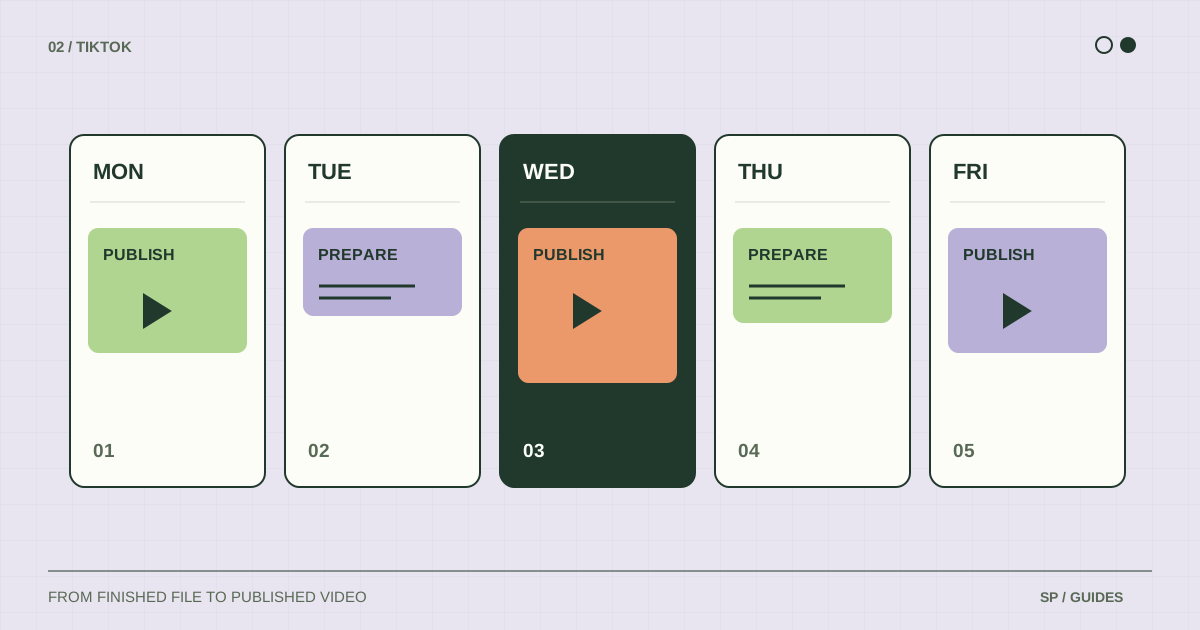
TikTok Studio also offers native scheduling tools where available. If one platform is your entire workflow, inspect its own tools before deciding what an additional subscription would need to improve.
Choose a starting point for your situation
One YouTube channel, occasional releases
Start with Studio. Learn the native scheduling procedure and check whether managing each release separately is actually costing you meaningful time. There is little value in introducing a new queue if you only need a saved date for one video.
Finished videos for YouTube and TikTok
Evaluate a shared queue. In ShortsPlanner, you can connect accounts, prepare platform-specific text, and organize recurring slots. Your trial should verify both destinations, including the case where one platform requires attention.
Several brands or channels
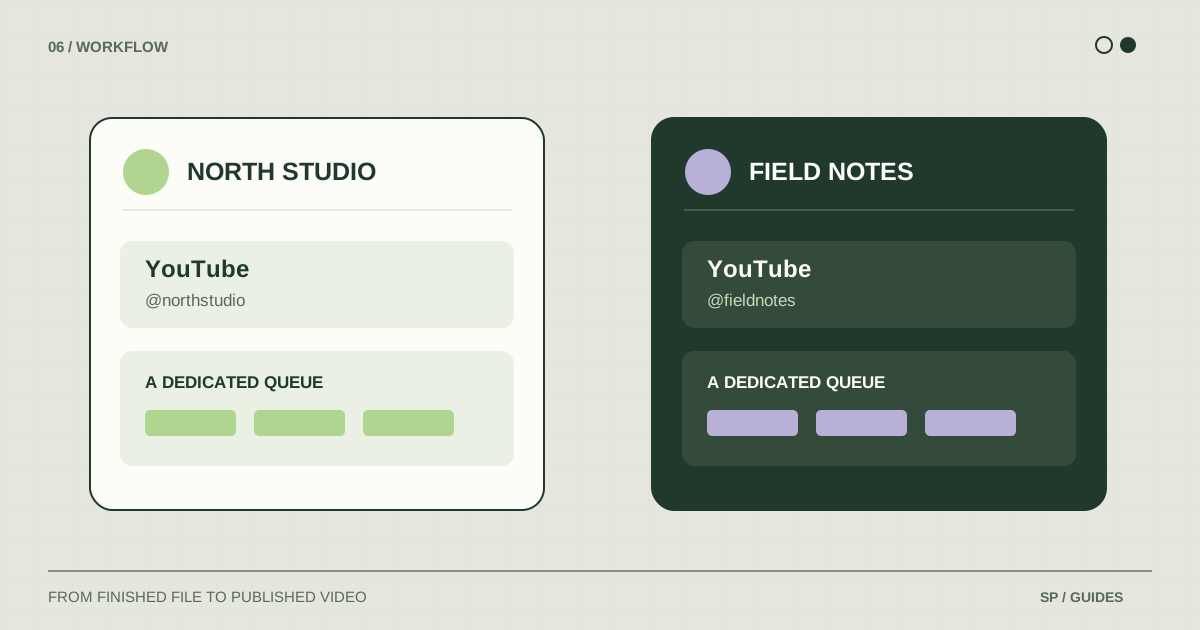
Prioritize destination clarity. Check whether you can recognize accounts, keep brand files separate, and understand which schedule belongs to which queue. Use the multiple-channel checklist during the trial.
If several people are involved, list your access and approval requirements separately. Account groups are not a substitute for team permissions or an approval system. Verify the collaboration capabilities of any tool before relying on them.
Run a small, complete trial
Use one representative video and the accounts you genuinely need. Keep the trial small enough that you can inspect the complete result.
- Connect the destination and verify its actual identity.
- Prepare a post with the metadata and platform options your normal workflow uses.
- Save the publication plan and confirm where it is visible.
- Check the outcome on the platform, including its public or private visibility.
- Find the published link and learn where the tool shows an error or a connection issue.
Do not judge the workflow only by how quickly a post enters the queue. The harder question is whether you can understand what happened after it left.
Check limits against your real workload
Before choosing a plan, count the accounts and monthly publications you expect to need. Compare those with the current plan’s account, upload, and queue limits. Also check how the service describes a publication sent to more than one destination.
For ShortsPlanner, consult the current plans. Treat API access, collaboration, analytics, and content creation as separate requirements to verify rather than assuming every scheduler includes them.
Keep a small record of your trial: task, tool used, manual steps, result, and any unresolved limitation. It is a more useful buying decision than choosing on the basis of the longest feature list.
Frequently asked questions
Is a paid scheduler necessary for YouTube Shorts?
No. Evaluate it when its organization or cross-platform workflow solves a recurring problem that the native tools leave with you.
Will a scheduler improve my views?
A publishing tool can support your routine. It cannot guarantee audience response. Evaluate its operational result separately from the creative performance of the videos.
Can I keep using native tools?
Yes, but give each individual video one active publishing plan. Keep a record of which tool owns each release so a native schedule and a queue do not publish the same file twice.
Sources & further reading
Platform rules change. These official resources complement the examples and workflows in this guide.
We build ShortsPlanner to organize and publish videos you have already created. Example schedules are illustrative and can be adapted to your work.
First published